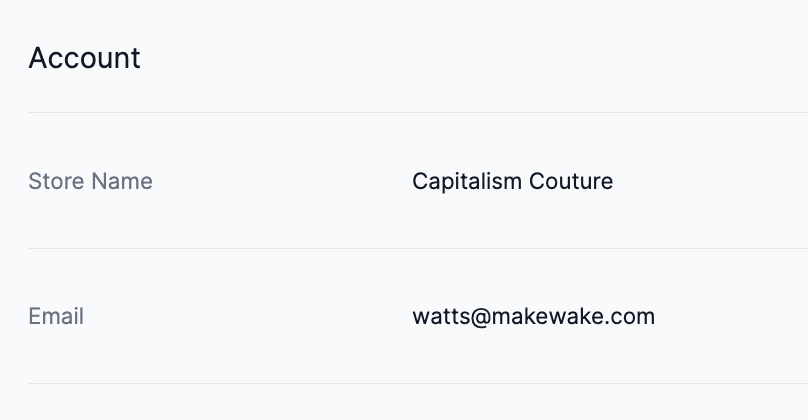
Changing Your Account Email
Your account email is directly tied to the Store email associated with your Shopify account, so you cannot change it within the Grid & Pixel app. To change your Grid & Pixel account email, you'll need to update your Store email within Shopify. You can visit Shopify for more information on how to do this.
Not sure what email address is associated with your Grid & Pixel account? Simply click on the purple circular icon in the upper-right corner of any page within the app: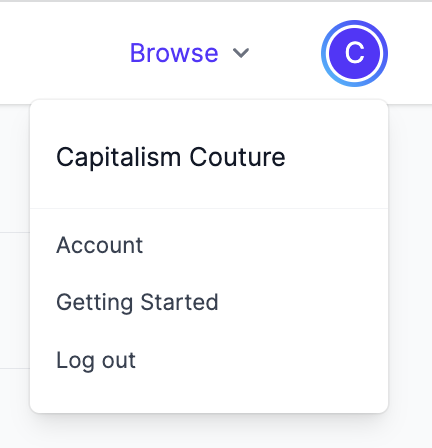
And then click Account to see your account settings. There, you'll see the email associated with your Grid and Pixel account (directly from Shopify).