
Grid & Pixel is a Shopify app, so you can install the app in one of three ways:
1. Visit our app listing in the Shopify App Store
Tap Install to install the app in your Shopify store.
3.Visit our pricing page
From here, you can view our subscription plans and pick the one that's best for your business. Click Start Free to add the Shopify app.
No matter which path you take, you'll be taken to a screen that looks like this within Shopify. Tap Install app.
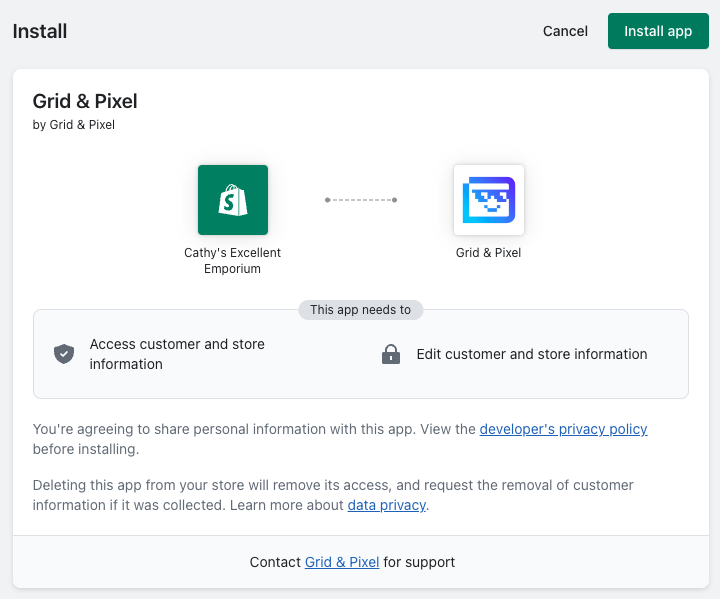
You'll then be asked to confirm your subscription plan on the next page. After you confirm a recurring Email Autopilot plan, your seven-day trial begins. Review Email Autopilot pricing for your store’s monthly rate.
You can always visit the Grid and Pixel website for more info.
Check the store and complete your first task
Start from the Shopify admin for the store you want to connect. Open the Grid & Pixel listing and complete the app installation there. Returning users can reopen Grid & Pixel from that store’s installed apps. Compare the store domain in Shopify with the store you see after sign-in.
For a first task, choose one catalog product and open a draft design using that product. Check that its image and destination belong to the intended shop. If another brand’s catalog appears, return to store selection before connecting an email account or inviting teammates.