

Downloading the Grid & Pixel app
Grid & Pixel is a Shopify app, so you can install the app in one of three ways:
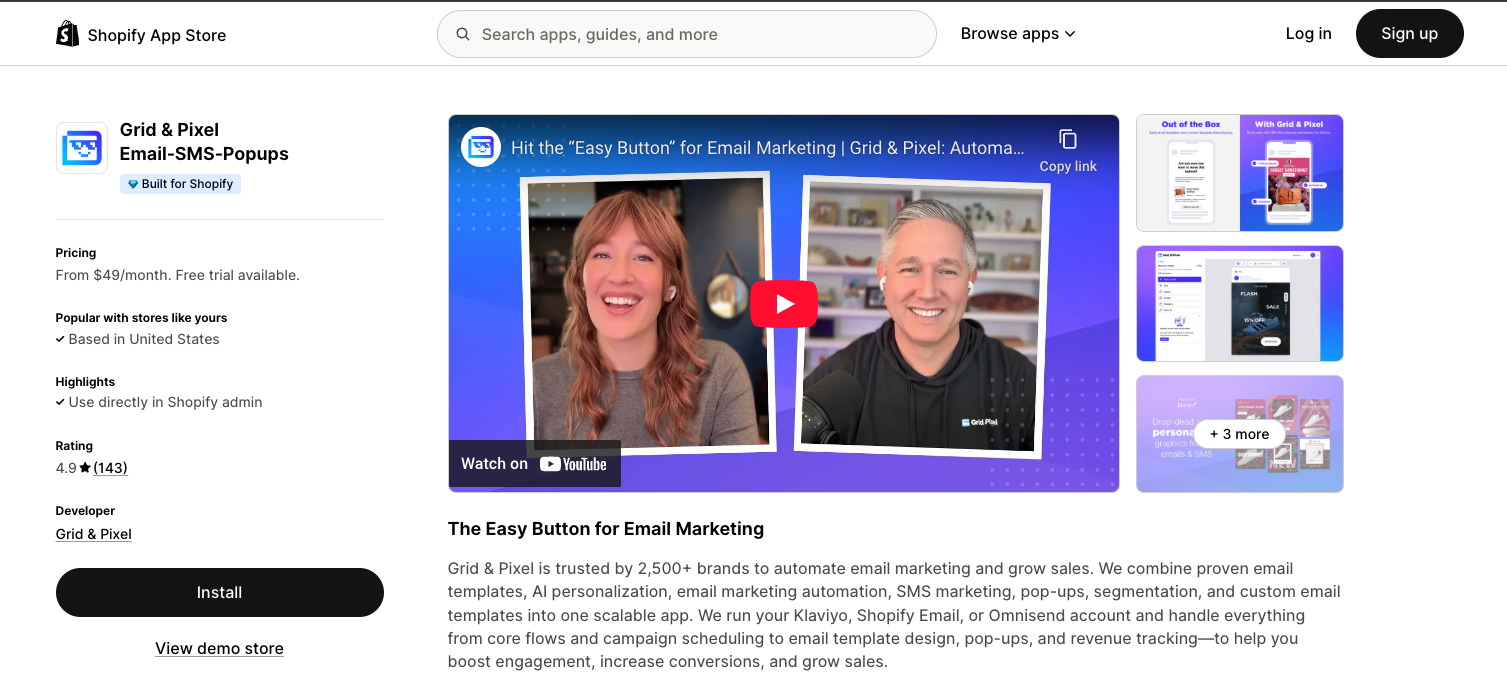
1. Visit our app listing in the Shopify App Store
Tap Install to install the app in your Shopify store.
2. Visit our website
3.Visit our pricing page
From here, you can view our subscription plans and pick the one that's best for your business. Click Start Free to add the Shopify app.
No matter which path you take, you'll be taken to a screen that looks like this within Shopify. Tap Install app.
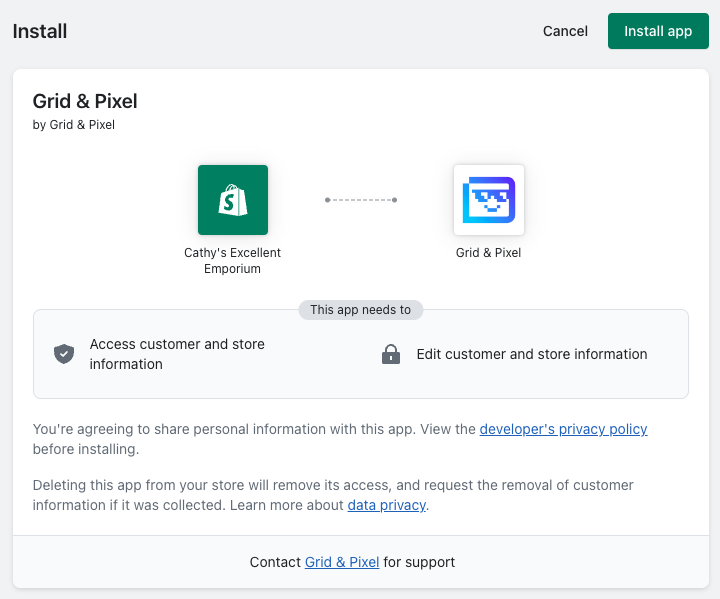
You'll then be asked to confirm your subscription plan on the next page. Once you do, your 7-day free trial begins and you can use all features of the app.
You can always visit the Grid and Pixel website for more info.